M42 Orion Nebula: Exploring Narrowband and Composite Imagery

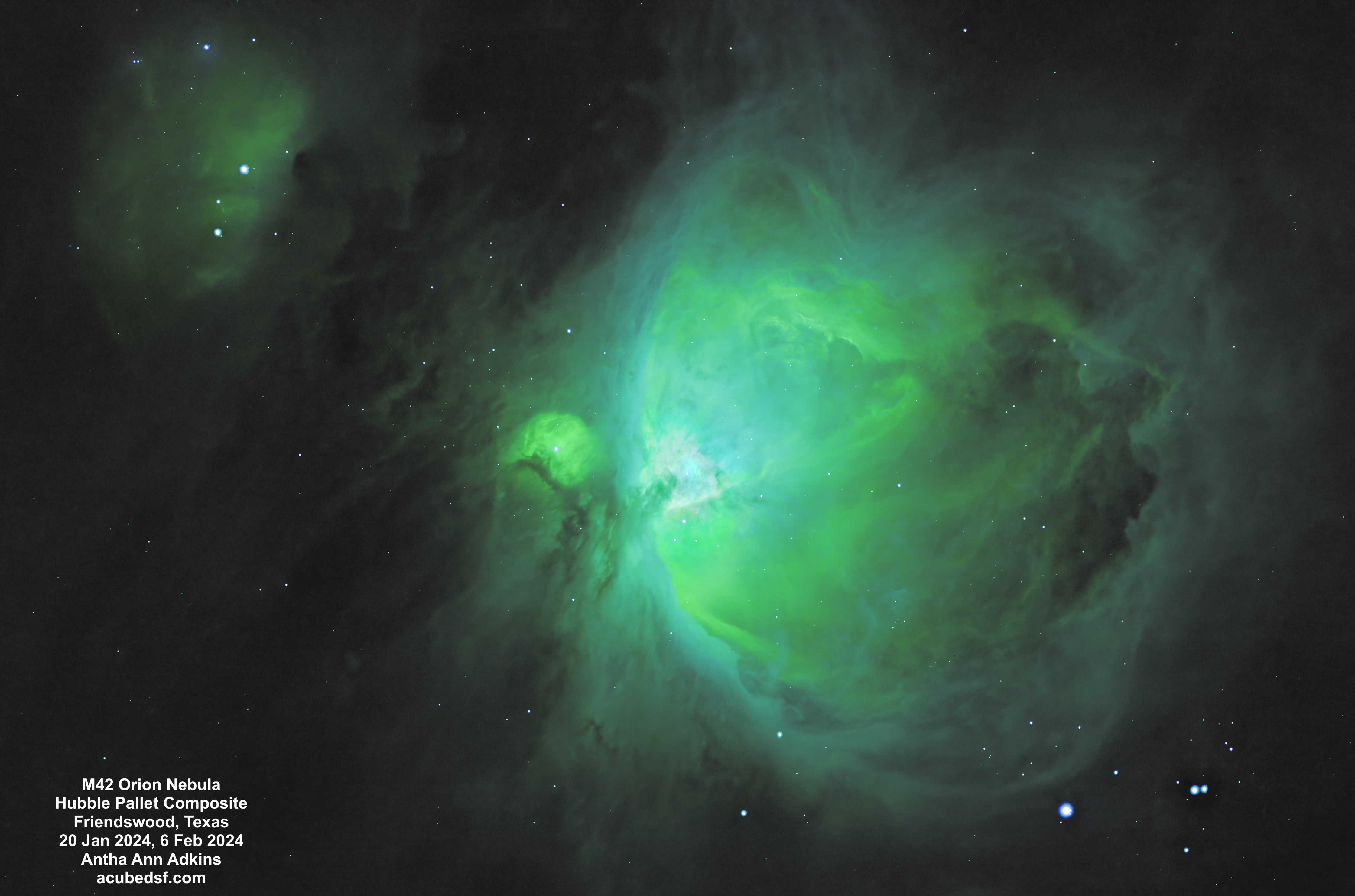
Just as I used M42 the Orion Nebula as the target for first light with my new RGB filters, I also used M42 the Orion Nebula as the target for first light with my new narrowband filters.

I used the standard set of narrowband filters: H-alpha, Oiii, and Sii.

Not only did generating these images involve learning how to use my new hardware, but it also involved learning new processing, both processing narrowband data and making a composite image.

For narrowband imaging, each filter needs to be assigned a color to map it to an RGB image.  The figure below shows how colors map to wavelengths, and the table below shows what colors the three narrowband filters map to.  If a natural mapping is used, the final image will use red and turquoise only.  So a false color mapping is often used to better bring out details.  One common pallet is the Hubble pallet, where Hα is assigned to green, Oiii is assigned to blue, and Sii is assigned to red.  PixInsight has a new tool, NBColourMapper, which can make these color mappings – or any other assignment.  For these images, I only had a limited amount of Sii data, so they are limited in the color that Sii is mapped to.  For these images, I tried both a “natural” mapping and a “Hubble” mapping.  Which do you like better?

Visible-spectrum-400-700-nm
ElementEmission lineWavelengthColor
Hydrogen656.3 nmRed
OxygenOiii500.7 nmTurquoise
SulfurSii671.6 nmRed

The Orion Nebula has an enormous amount of dynamic range – more than can be captured in a single setting.  If the image is exposed to bring out the detail in the core of the nebula, the edges are too faint.  If the image is exposed to bring out the edges of the nebula, the core is blown out.  For these images, I made three versions of the image from two different sets of exposures: a version optimized for the core from the 60 second data, a version optimized for the middle zone from the 180 second data, and a version optimized for the outer edges from the 180 second data.

I tried a number of different processing flows to try to make a good composite from the three images using the new PixInsight tool BlendImage.  What I thought ended up working was the following process:

  • Make mask for core area from bright area of mid version
  • Apply core mask to core image as protecting
  • Use core image as base image in ImageBlend
  • Use mid image as blend image in ImageBlend
  • Blend using lighten/mask
  • Set opacity so edges look good
  • Make mid mask for mid area from bright area of outer version
  • Apply mid mask to mid_core image as protecting
  • Use mid_core image as base image in ImageBlend
  • Use outer image as blend image in ImageBlend
  • Blend using lighten/mask
  • Set opacity so edges look good

Astrophotography often extends what the human eye can see by taking (or integrating to) long exposure times, much longer than the human eye and brain can combine.  To me, narrowband mapping and composite imagery (as long as it’s labeled as such), is just another extension.  What do you think?

Camera geek info:

  • Williams Optics Zenith Star 73 III APO telescope
  • Williams Optics Flat 73A
  • ZWO 2” Electronic Filter Wheel
  • Antila SHO filters
  • ZWO ASI183MM-Pro-Mono camera
  • ZWO ASiair Plus
  • iOptron CEM40
  • Friendswood, Texas Bortle 7-8 suburban skies

Frames:

  • January 20, 2024
    • SHO lights
      • 47 60 second Gain 50 Ha lights
      • 60 60 second Gain 50 Oiii lights
      • 54 60 second Gain 50 Sii lights
    • 30 0.05 second Gain 50 H flats
    • 30 0.05 second Gain 50 O flats
    • 30 0.05 second Gain 50 S flats
    • 30 0.05 second flat darks
    • 30 60 second darks
  • February 6, 2024
    • SHO lights
      • 15 180 second Gain 50 Ha lights
      • 49 180 second Gain 50 Oiii lights
    • 30 0.05 second Gain 50 H flats
    • 30 0.05 second Gain 50 O flats
    • 30 0.05 second flat darks
    • 14 180 second darks

Processing geek info:

  • PixInsight
  • BlurXterminator
  • NoiseXterminator
  • StarXTerminator
  • Generalized Hyperbolic Stretch
  • NBColourMapper
  • ImageBlend

Capturing the 2024 Total Solar Eclipse in Granbury, Texas: Time Lapse Experience

I made a (time lapse) movie to try to capture the 2024 total solar eclipse we experienced in Granbury, Texas.

The movie doesn’t capture the planning and replanning needed to capture this event.  Months ago, looking at the predicted weather, the weather across most of Texas was expected to be favorable for viewing the eclipse. I chose to stay in Temple, Texas which was within the band of totality, not too far from the centerline, and had a reasonably priced place for my husband, daughter, and I to stay.  It turned out to be a great place to stay – we could pick up our daughter from an airport in Dallas and travel to Austin to see the Lady Bird Johnson Wildflower Center (which given the combination of the weekend, eclipse tourists, and peak wildflower season was quite crowded).  Even along the side of the road, the bluebonnets were plentiful, so I got my iconic Texas bluebonnet picture on this eclipse trip.

By the night before the eclipse, it was clear that Temple was going to have a lot of cloud cover for eclipse day.  We were rained on (twice) the last time we tried to see a total solar eclipse, and we did not want to repeat that experience!  So I used the Astropheric app on my phone (with four different cloud cover models) to look south to Austin/San Antonio (did not look promising) and north to Dallas/Fort Worth (looked better), and I settled on going to Hillsboro, Texas (which had temporarily re-named itself Eclipseboro), which was an easy drive up I35 and right on the centerline.  

But Monday morning when I got up, the cloud odds were not looking good for Hillsboro either.  So I looked at the options again and decided to trade time in totality for better cloud odds and decided to drive northwest to Granbury, Texas.  We picked up breakfast and started driving.

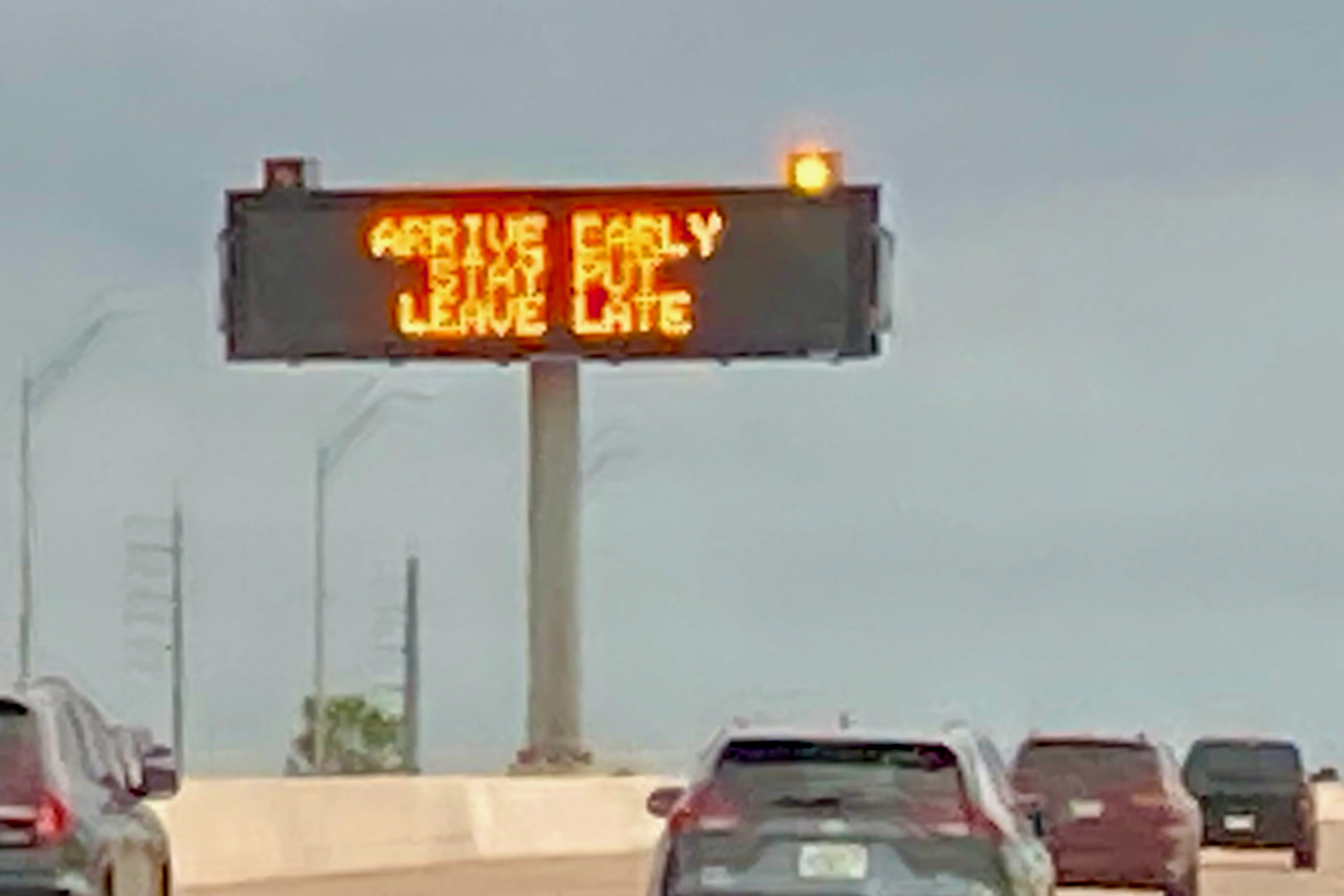
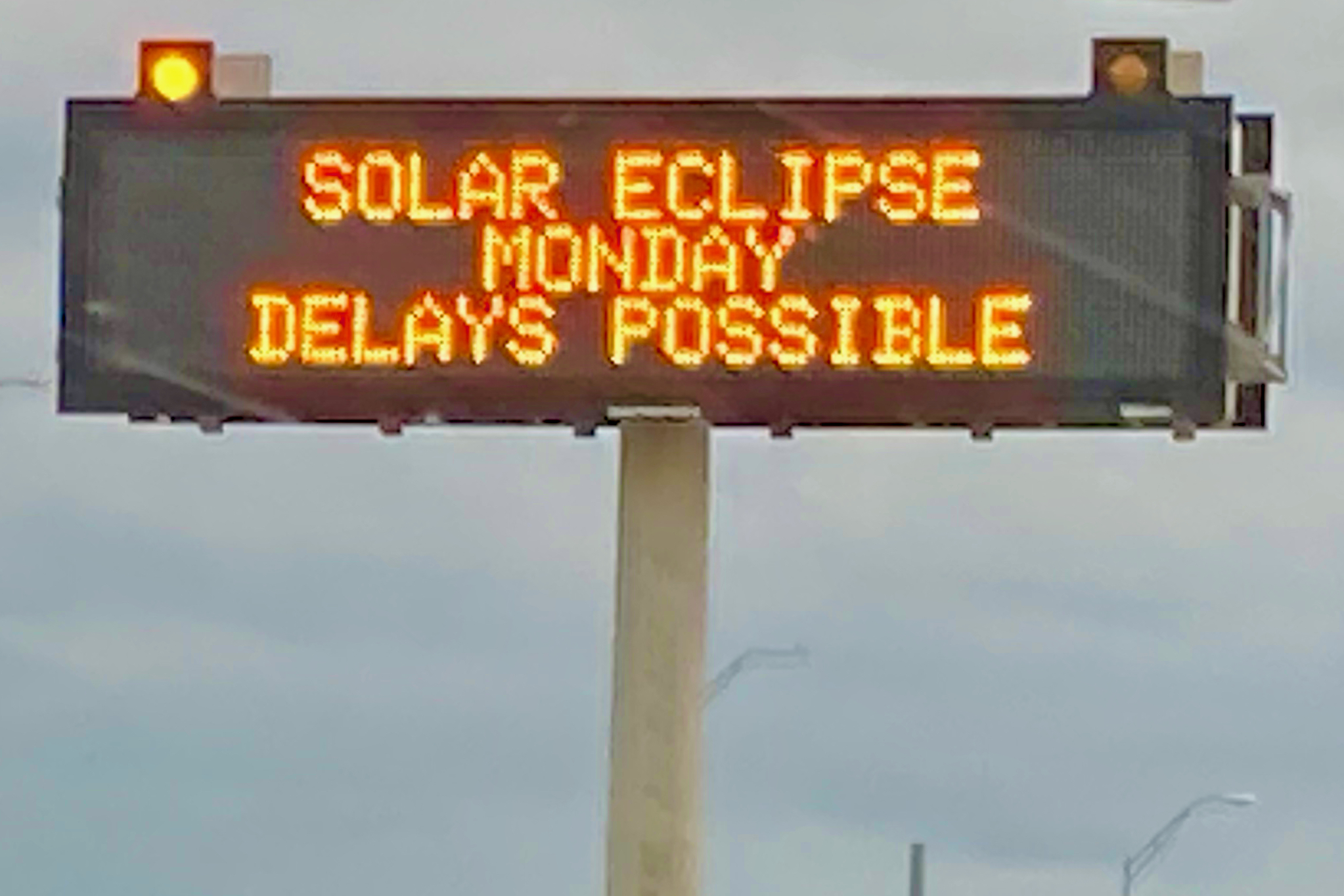
Some had predicted massive traffic, difficulty getting gas, and difficulty getting food.  There were even road signs to warn of the upcoming traffic.  

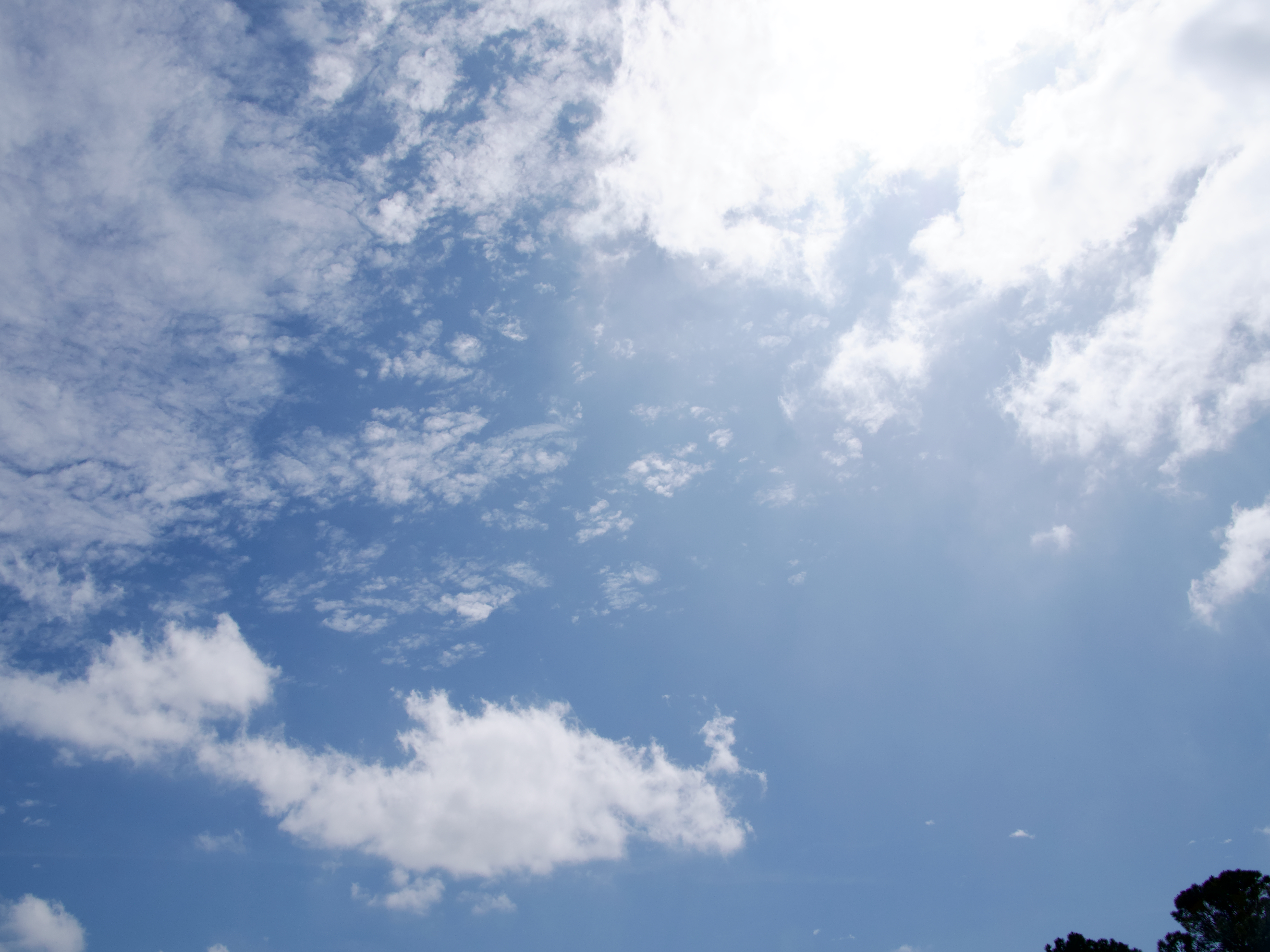
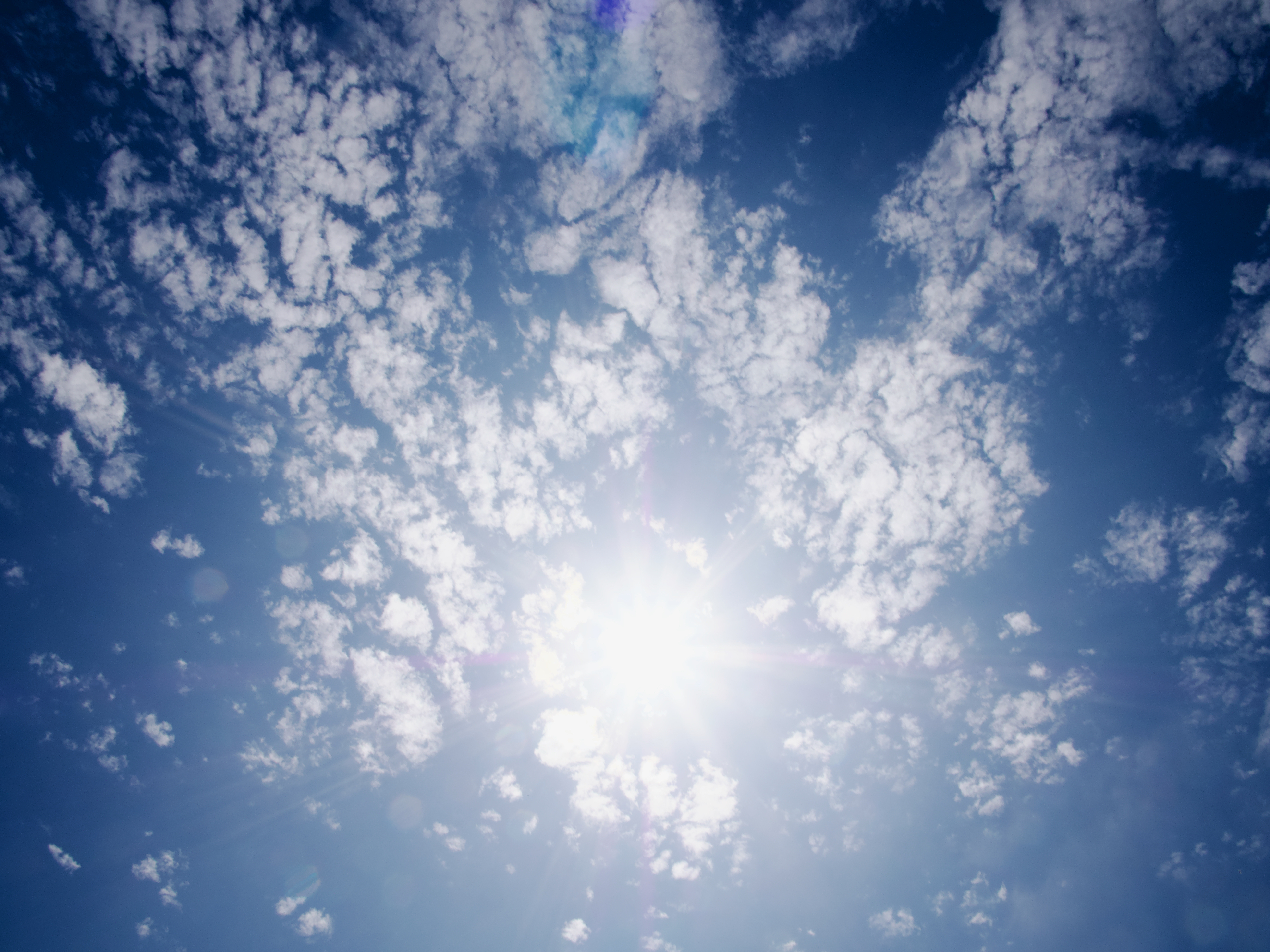
We didn’t experience any of that.  No traffic, no difficulty getting gas, no difficulty getting food.  And, best of all, we drove out from under the heavy clouds and saw the sun shining in a blue sky with white puffy clouds.

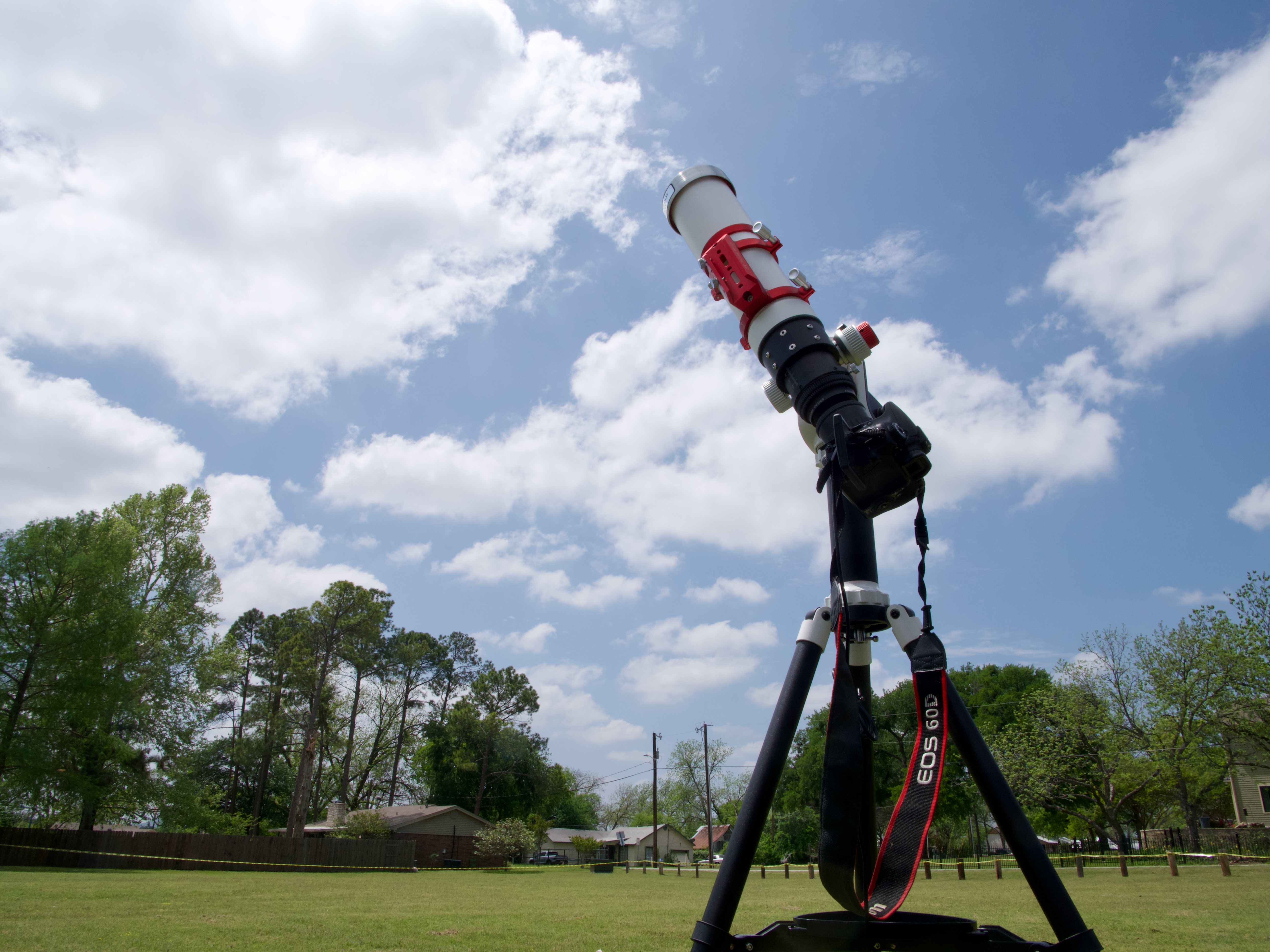
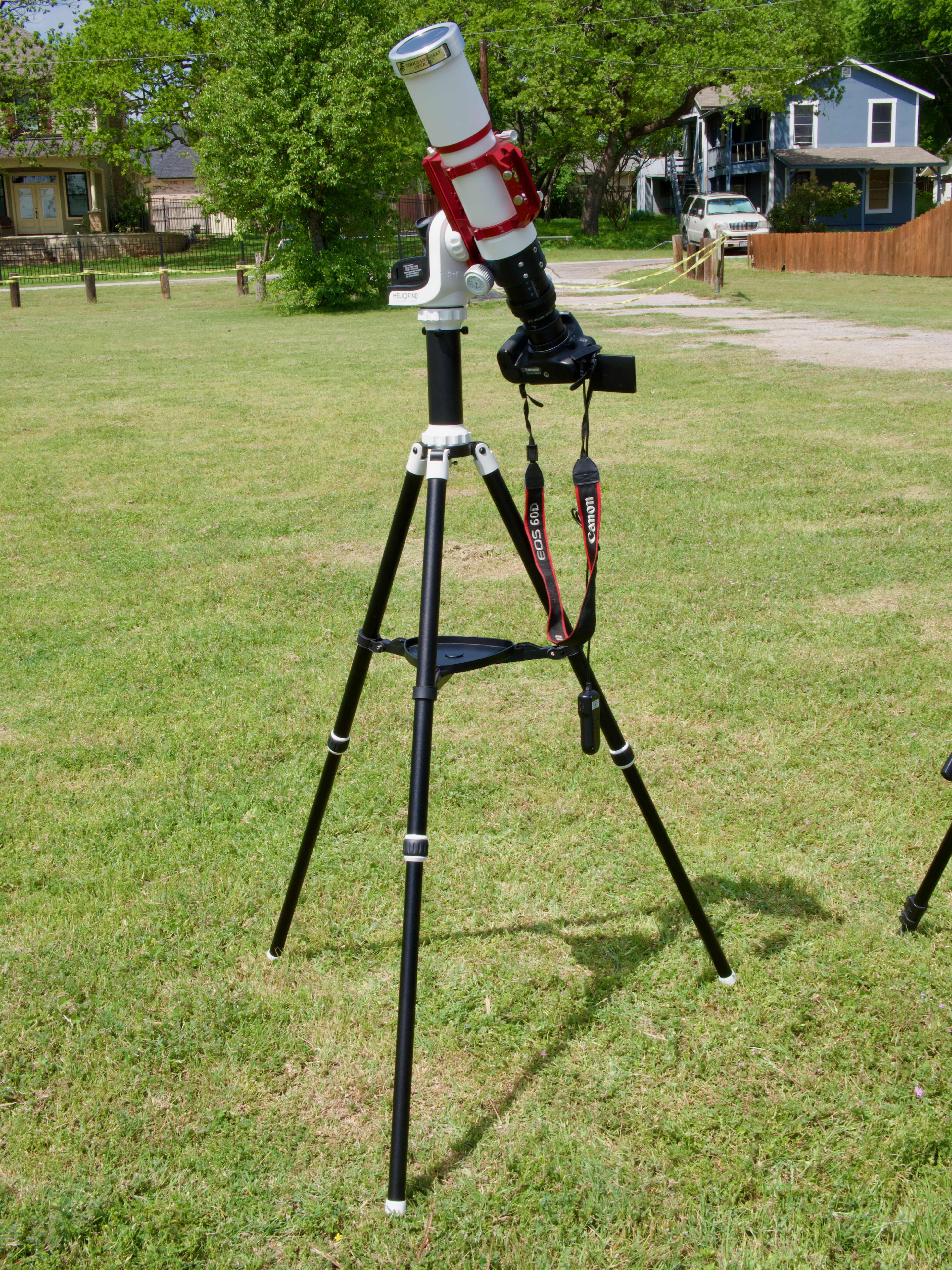
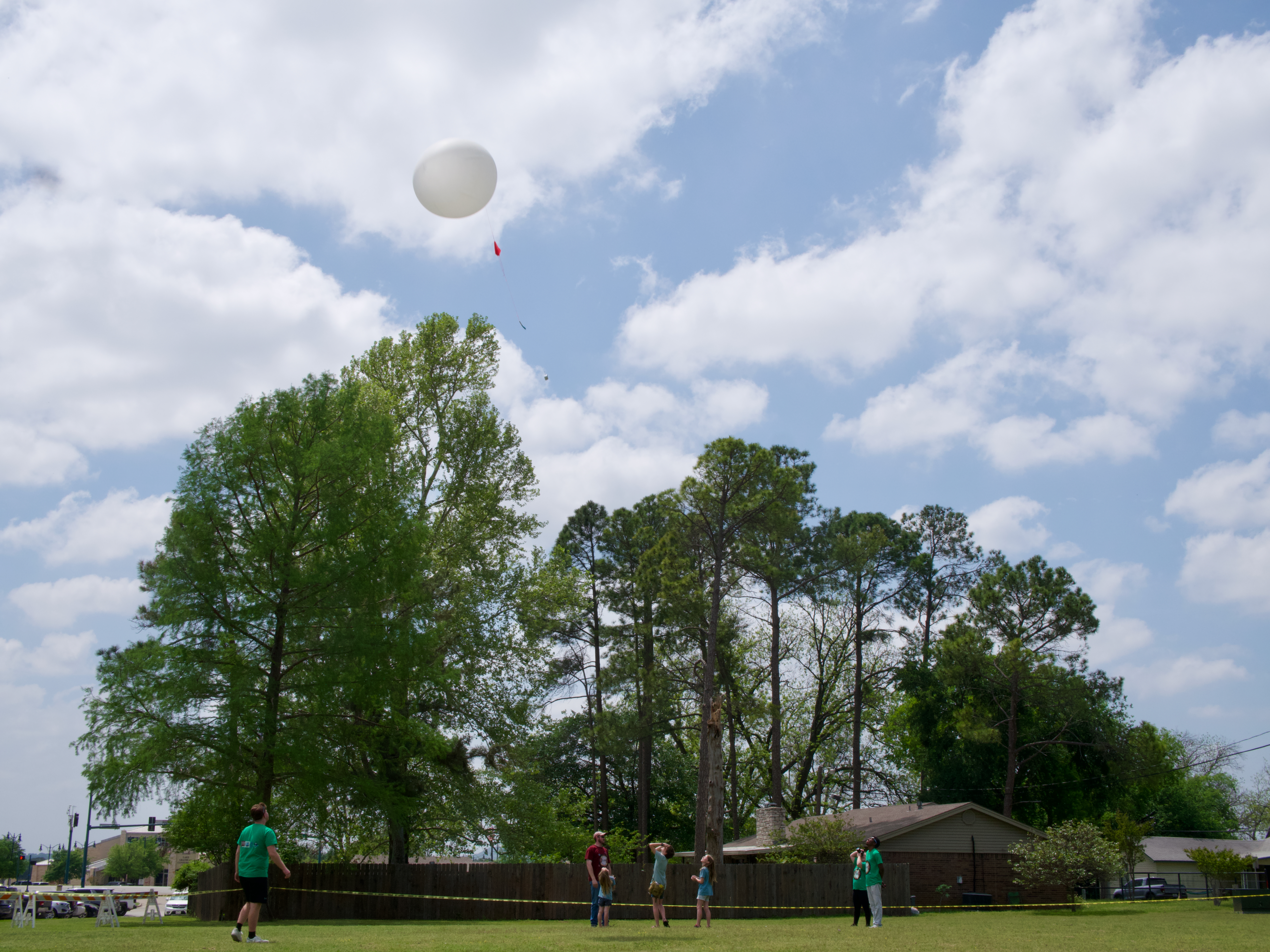
We decided to view the eclipse from Hewlett Park.  A group from New Mexico State University were set up there, doing an experiment with weather balloons.  They allowed us to set up at the periphery of their launch area.  I got my telescope set up well in advance of the eclipse start, so I was able to capture a time lapse of the entire thing.  

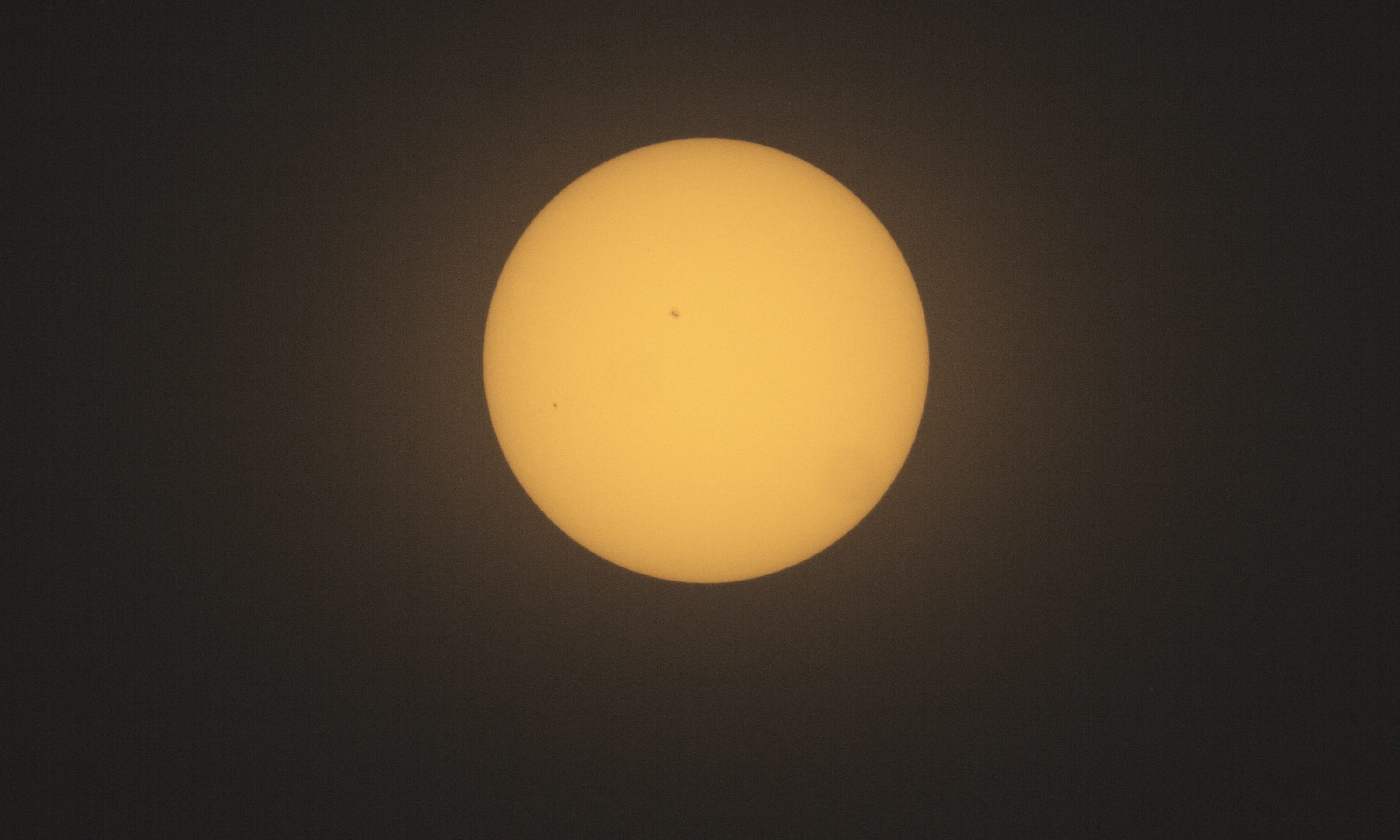
I was able to see sunspots and use them to focus my telescope.  A few minutes before the eclipse, I started my intervalometer to capture a picture a minute.

Once the time lapse started, we had some clouds pass in front of the sun, which was worrisome.  But I had noticed in Astropheric that pretty much every prediction had shown fewer clouds during the actual eclipse. And a book I had bought on this trip, Totality: The Great North American Eclipse of 2024, by Mark LIttmann and Fred Espenak explained why.  The Sun heats the Earth and pulls water from lakes and plants into the sky, where it cools and forms clouds.  But when the Moon starts to block the Sun, this heating process stops, water stops being pulled up, and the clouds dissipate.  This effect won’t help with the heavy cloud cover of a front, but does eliminate fluffy white clouds.  And we saw the clouds dissipate and the sky grow clearer.

We also saw the folks from New Mexico State University release their weather balloons.

We walked around looking for cool crescent shadows, but didn’t spot any.  Nor did we spot any changes in color.

But we did see it get really dark.  The sign on the hotel across the street came on as did the streetlights.

I had wanted to take some wide angle pictures with my smaller camera, but I did not get it set up in time.  When we reached totality, I decided not to mess with it and just enjoy the experience and take pictures with my telescope.  

It was the weirdest alien sky I have ever seen. It was dark.  But there was this elliptical bright white glowing spot in the sky, with a perfect black circle in the middle.  I could see the two brightest planets – Venus and Jupiter – on either side.  It.  Was.  Awesome.  

I took the solar filter off my telescope, reaimed the solar tracking mount (either it lost track or I bumped it in my excitement), and manually took pictures.

I looked for the comet, but did not spot it.

I alternated between taking pictures and looking at the sky.  

One of the things that I could see naked eye was a bright pink spot on the lower edge of the Moon.  I thought maybe it was the diamond ring effect, but it lasted for too long.  Later I found out it was a solar prominence.  Amazing!

I saw the edge getting brighter and took a set of pictures to try to capture Bailey’s beads and the diamond ring effect – I got the diamond ring for sure.  

When the picture got super bright, I put the solar filter back on the telescope and returned to letting it take a picture a minute.

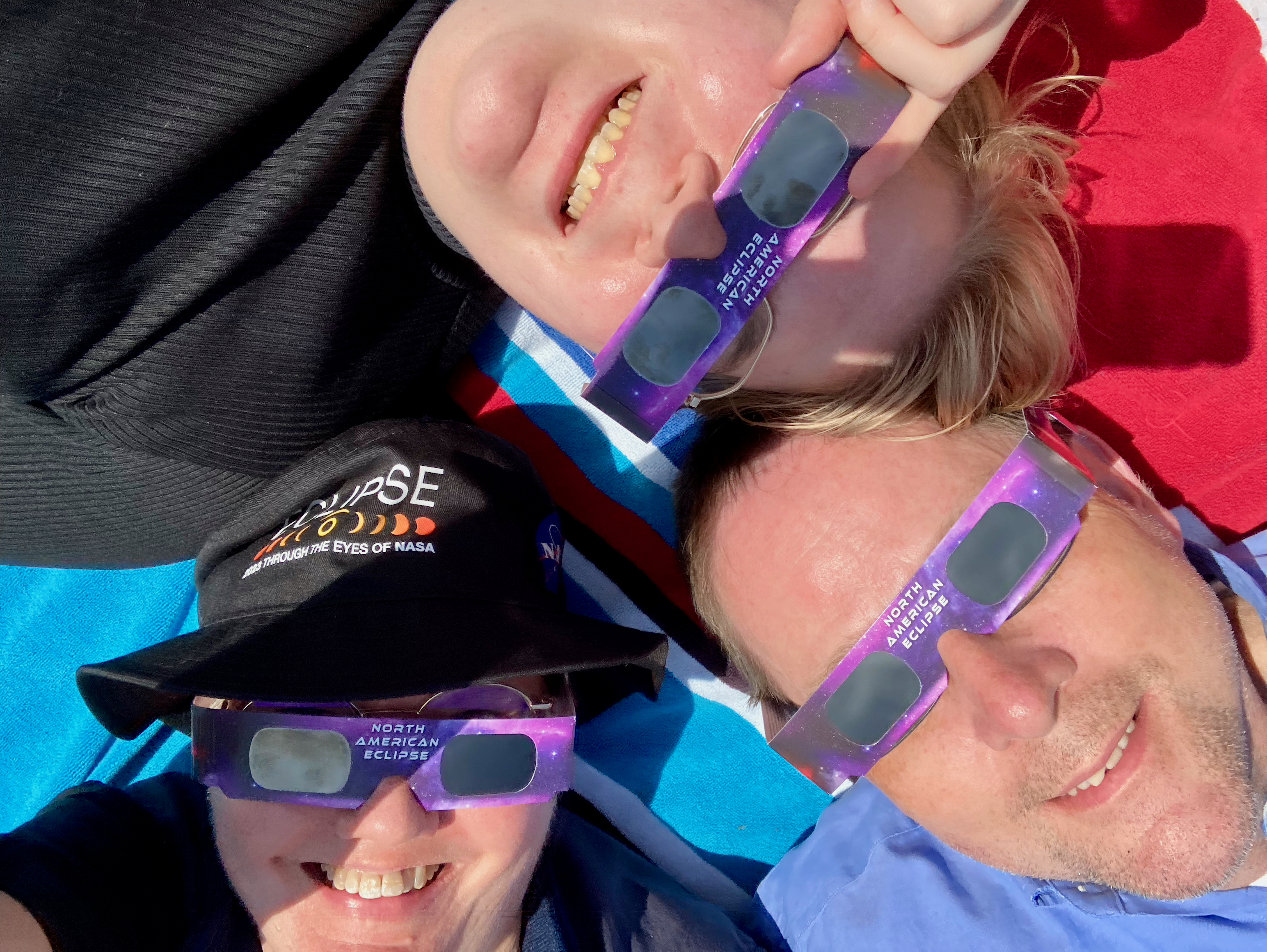
By now the clouds were gone, and we laid on our picnic blanket with our solar glasses and watched the Sun come back out.

We watched until the Sun had fully emerged from behind the Moon.

Friends, before this eclipse, I said that I would rather photograph an annular eclipse because it was a more exciting subject.  I.  Was.  Wrong.  There is nothing like a total solar eclipse.

And so I’m left asking: When can I see this again?

Stay tuned!!

Camera geek info for solar pictures:

  • Canon EOS 60D in manual mode, 1/200 second exposure, ISO 100
  • Intervalometer
  • Williams Optics Zenith Star 73 III APO telescope
  • Williams Optics Flat 73A
  • Thousand Oaks optical solar filter
  • Sky-Watcher SolarQuest HelioFind tracking mount and tripod

Camera geek info for corona pictures:

  • Canon EOS 60D in manual mode, 1/200 second exposure, ISO 100
  • Williams Optics Zenith Star 73 III APO telescope
  • Williams Optics Flat 73A
  • Sky-Watcher SolarQuest HelioFind tracking mount and tripod